
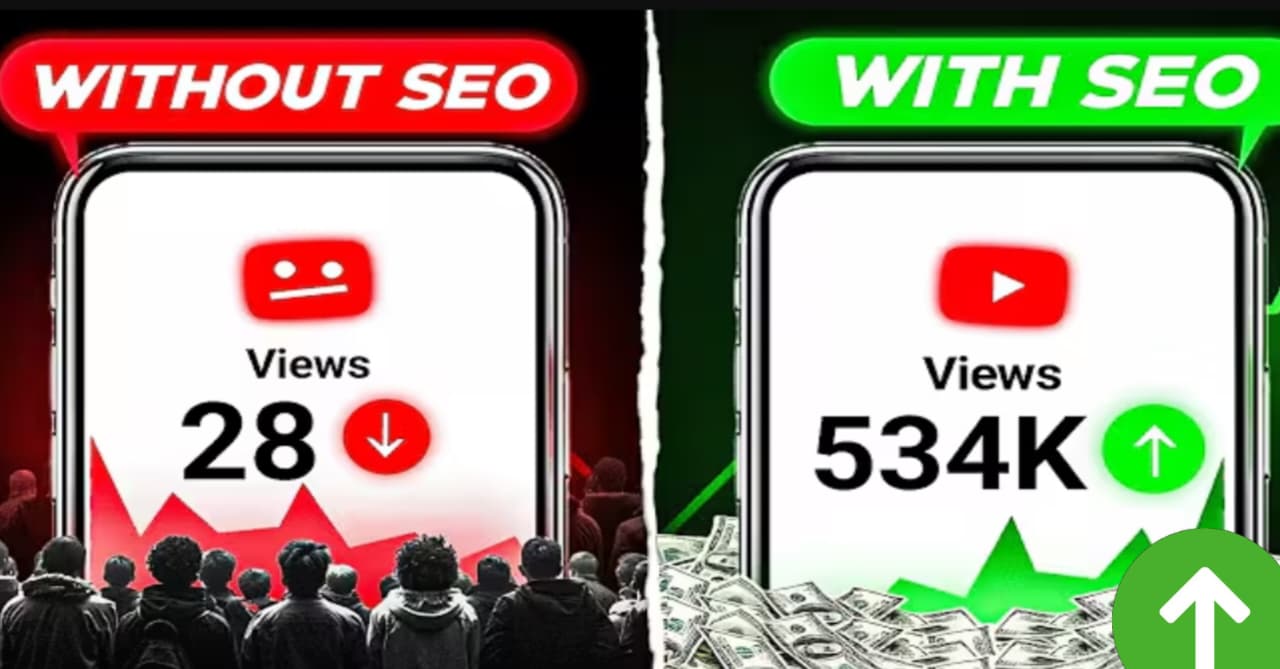
YouTube Video SEO, In the fast-changing world of YouTube, getting your videos seen can feel like a challenge. Many creators work hard on their content, but their videos do not get the views they deserve. This is where YouTube SEO (Search Engine Optimization) becomes important. SEO helps YouTube understand what your video is about so it can show it to the right people.
While SEO is a key part of success, it is not the only thing. SEO makes up about 30% of a video’s chance to go viral. The other 70% comes from things like audience engagement, video editing, clear voice-overs, and a great thumbnail. When you combine all these elements, your video has the best chance to succeed. This guide focuses on perfecting your SEO using smart tools, especially Artificial Intelligence (AI) like ChatGPT, to help your videos stand out in 2025.
Why AI is Essential for YouTube video SEO in 2025
ouTube’s system, or algorithm, has changed a lot. In the past, many human workers managed how videos were shown. Now, YouTube relies heavily on Artificial Intelligence. This means that using AI tools for your SEO can create a stronger match with YouTube’s current system. When you use AI to create your titles, descriptions, and tags, you are working with the algorithm, not against it.
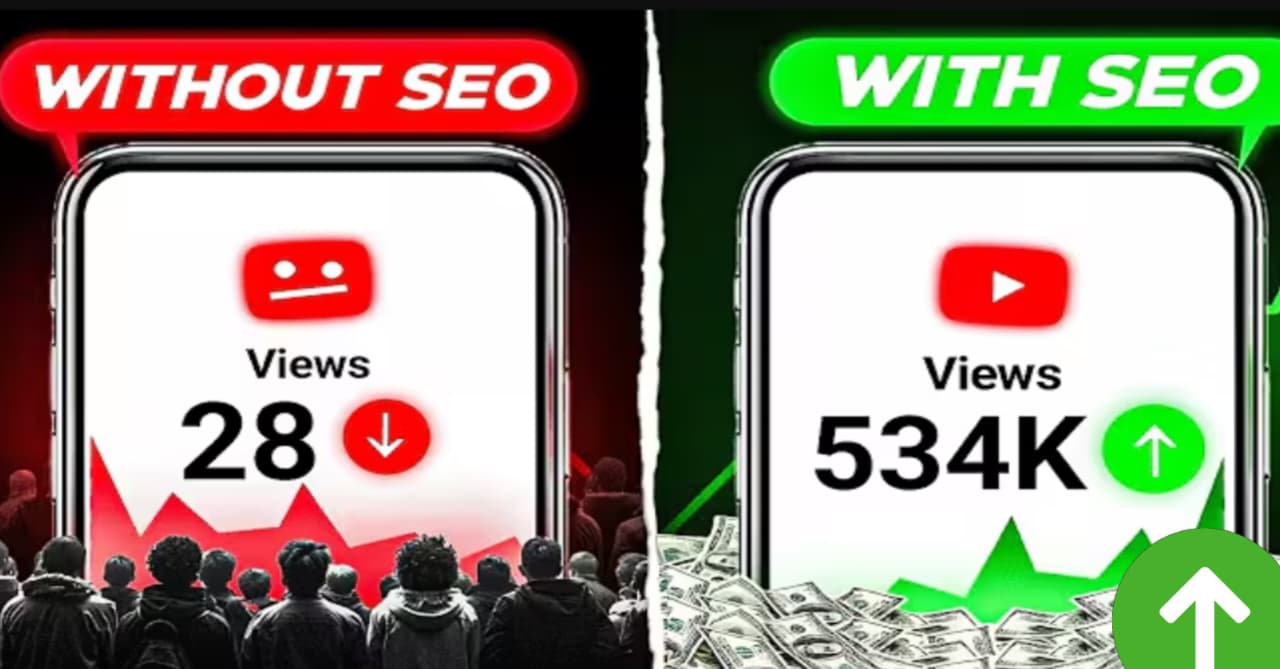
YouTube Video SEO is all about making your content easy for search engines to find. For YouTube, this means focusing on three main areas:
- Your video title
- Your video description
- Your video tags
We will break down how to create each of these using AI, step by step, even if you are new to SEO.
Crafting the Perfect Video Title with AI
A good video title grabs attention and tells viewers what your video is about. It also helps YouTube understand your content. Here is how to create a powerful title using AI:
Finding Keywords on YouTube
First, think about your video’s topic. For example, if your video is about “How to upload YouTube Shorts,” search for this on YouTube.
- Search for your topic on YouTube.
- Look for two to three videos that are similar to yours and have a good number of views.
- Take screenshots of these videos. Make sure the entire title is visible in the screenshot. If not, open the video and then screenshot the title.
Gathering Keywords with Google Lens
Now, you will use Google Lens to get the keywords from these titles:
- Go to Google and click on the Google Lens icon at the top.
- Upload each screenshot one by one.
- Copy all the text (keywords) from each title.
- Paste these keywords into a notepad on your phone. Do this for all three screenshots.
Now you have a list of keywords from successful videos in your niche.
Using ChatGPT to Create Your Title
With your keywords ready, it is time to use AI to build your title:
- Open ChatGPT.
- Paste all the collected titles from your notepad into ChatGPT.
- Below the titles, add a special request paragraph. This paragraph tells ChatGPT exactly what you want. It should ask ChatGPT to combine the three titles to create a perfect, attractive, and clickable title. The title should also rank well in YouTube search and attract viewers.
- Self-Generated Paragraph Example: “I have provided three YouTube video titles. Please combine these into one perfect, attractive, and clickable title. Make sure this new title can rank high in YouTube search results and draw in viewers.”
- Click the send button.
ChatGPT will then give you a short and effective title.
Why Short Titles Work Best
Top YouTubers often use short titles for good reasons:
- Easier to Read: Shorter titles are easier for viewers to read quickly. This makes them more likely to click.
- YouTube’s Character Limit: YouTube typically only shows about 70 characters of a title to viewers. If your title is longer, viewers might miss important words, making them less likely to click.
If you do not like the first title ChatGPT gives you, simply ask it for more options. For example, you can write: “Give me three new short, attractive, and clickable titles that will rank well on YouTube, based on the three titles I gave you.” Repeat this process until you find the perfect title.
Building an Engaging Video Description with AI
The description is where you give more details about your video. It is also a key place to add more keywords, helping YouTube understand your content even better. But first, here are some important rules for your description:
- No Crack Version Links: Never add links to illegal or “crack” software versions.
- No Third-Party App Links: Avoid linking to unofficial third-party applications.
- Hashtag Limit: Do not use more than 15 hashtags in your description.
Now, let’s create a powerful description using AI.
Finding Viral Keywords for Your Description
Just like with titles, you start by finding keywords on YouTube:
- Go to YouTube and click the search bar.
- Type a keyword related to your video’s topic. For example, “How to upload YouTube Shorts.”
- Below the search bar, YouTube will show a list of related search terms. These are keywords that people are actively searching for.
- Take a screenshot of these keywords.
- Repeat this process two more times, using slightly different keywords related to your topic each time. This gives you a wider range of popular search terms.
Copying Keywords with Google Lens
Again, use Google Lens to collect these keywords:
- Go to Google Lens.
- Upload each screenshot one by one.
- Copy all the keywords from each screenshot.
- Paste these keywords into your notepad. You should now have a long list of popular search terms.
Generating a Searchable Paragraph with ChatGPT
Now, you will use these keywords to create a strong opening paragraph for your description:
- Open ChatGPT.
- Paste all the collected keywords from your notepad into ChatGPT.
- Below the keywords, add a request paragraph. This paragraph should ask ChatGPT to create a professional, perfect, and searchable paragraph using all the keywords you provided. This paragraph will be the core of your description.
- Self-Generated Paragraph Example: “Here are many keywords related to my video topic. Please use these keywords to create a professional, perfect, and highly searchable paragraph for my YouTube video description. This paragraph should help my video rank for these terms.”
- Click the send button.
ChatGPT will generate a paragraph that is rich with keywords. This means if someone searches for any of those keywords or similar phrases, your video has a better chance of showing up.
Completing Your Description
This AI-generated paragraph makes up about 50% of your description. Now you need to add the rest:
- Copy the AI-generated paragraph and paste it into your notepad.
- Below this paragraph, add other important information:
Understanding and Using Video Tags
Video tags are short, descriptive keywords that help YouTube understand your video’s content. However, YouTube itself states that tags have a very small impact on whether a video goes viral. This does not mean you should skip them, but you should not spend too much time on them. Tags are not the main factor in your video’s success.
Finding Effective Tags
The best way to find tags is to use the same method you used for finding description keywords:
- Go to YouTube.
- Search for keywords related to your video.
- Look at the related search terms that YouTube suggests below the search bar. These are terms people are actually searching for.
- Take screenshots of these suggested keywords.
- Use Google Lens to copy these keywords.
- Paste these keywords into your video’s tag section.
You can also use other online tools to find tags, but focusing on what people are directly searching for on YouTube is a reliable method.
Beyond SEO: The Full Picture of YouTube Success
While mastering SEO, especially with the help of AI, is a crucial step, remember that it is just one piece of the puzzle. To truly make your videos go viral, you must also focus on:
- Audience Engagement: Keep your viewers watching and interacting with your content.
- Video Editing: Make your videos look professional and keep viewers interested. (You can learn more about mobile professional video editing and how to record audio for YouTube videos if you need help with these aspects.)
- Thumbnails: Create eye-catching thumbnails that make people want to click.
By combining strong SEO with high-quality content and great visuals, you create a powerful formula for YouTube success. Implement these tips, keep improving your video quality, and watch your channel grow in 2025!